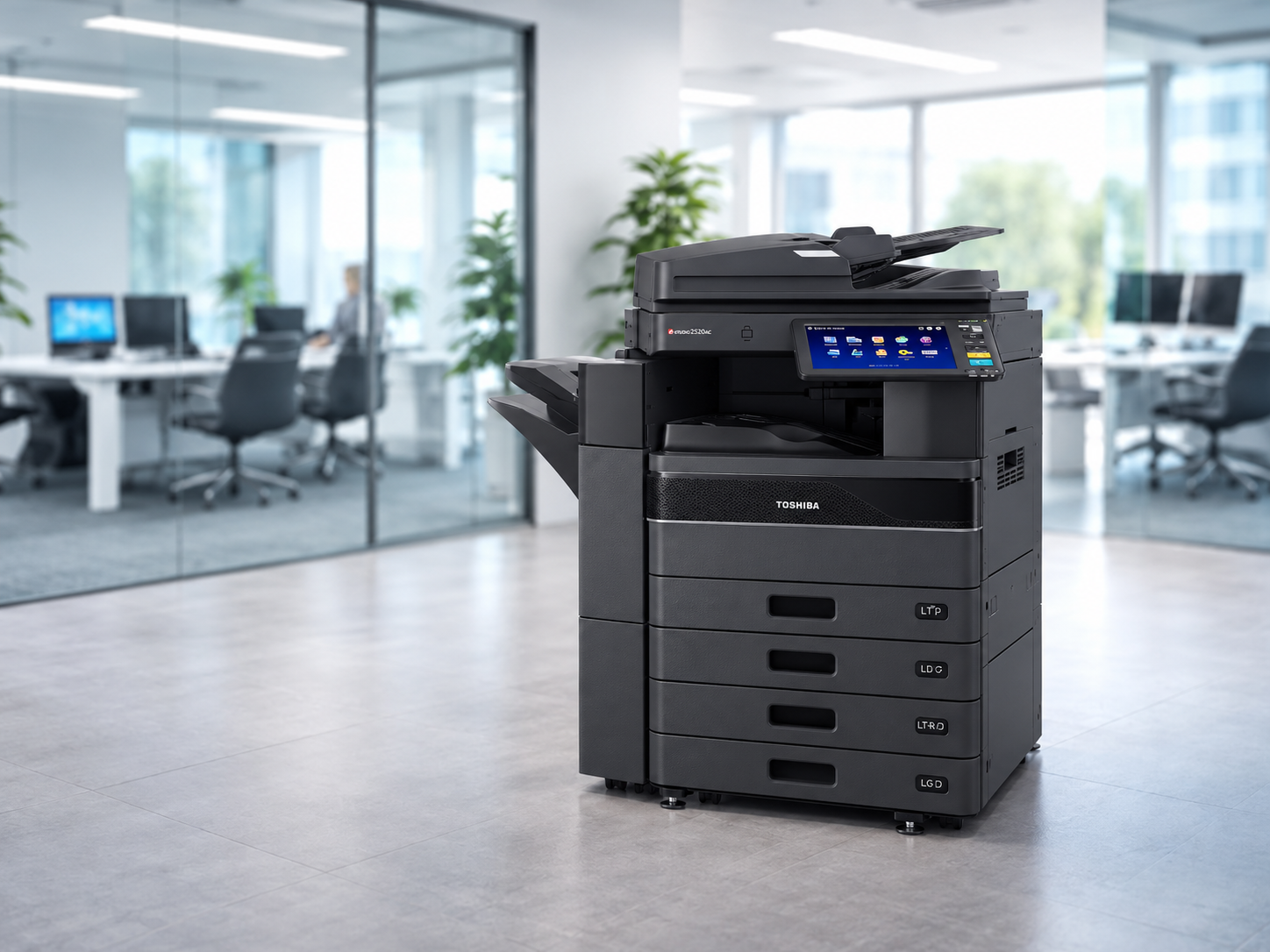
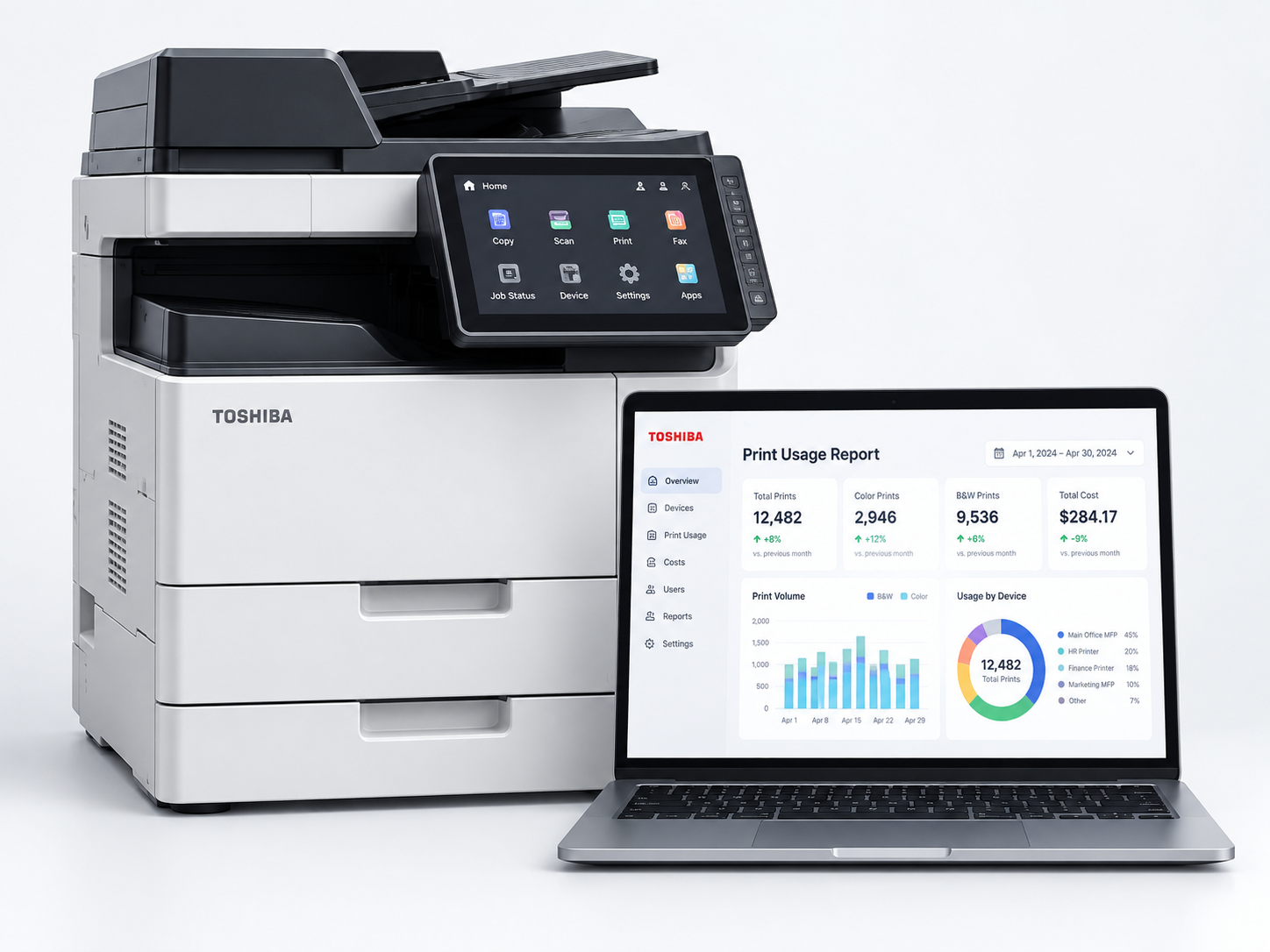
Local advice. Local technicians.One partner from assessment through ongoing support.
TOSHIBA
ProMaster Elite DealerTrusted Toshiba partner for 15+ years
Certified local supportField technicians recertified annually
● Fleet monitoring ready
35+ years of experienceBusiness equipment sales and service
Southern California serviceLocal teams and two showrooms
Hardware + workflow expertisePrint, scan, software and document control
Proactive fleet programsSupplies, meters, service and reporting
Device Finder
A better recommendation starts with your workflow.
Adjust a few inputs to see the type of device that may best fit your office. A United Imaging specialist can validate the recommendation with a no-obligation print assessment.
Your Print Environment
Tell us how your team prints.
We will update the recommendation as you make your selections.
Primary output
Largest paper size
Most important priority
Suggested solution profile
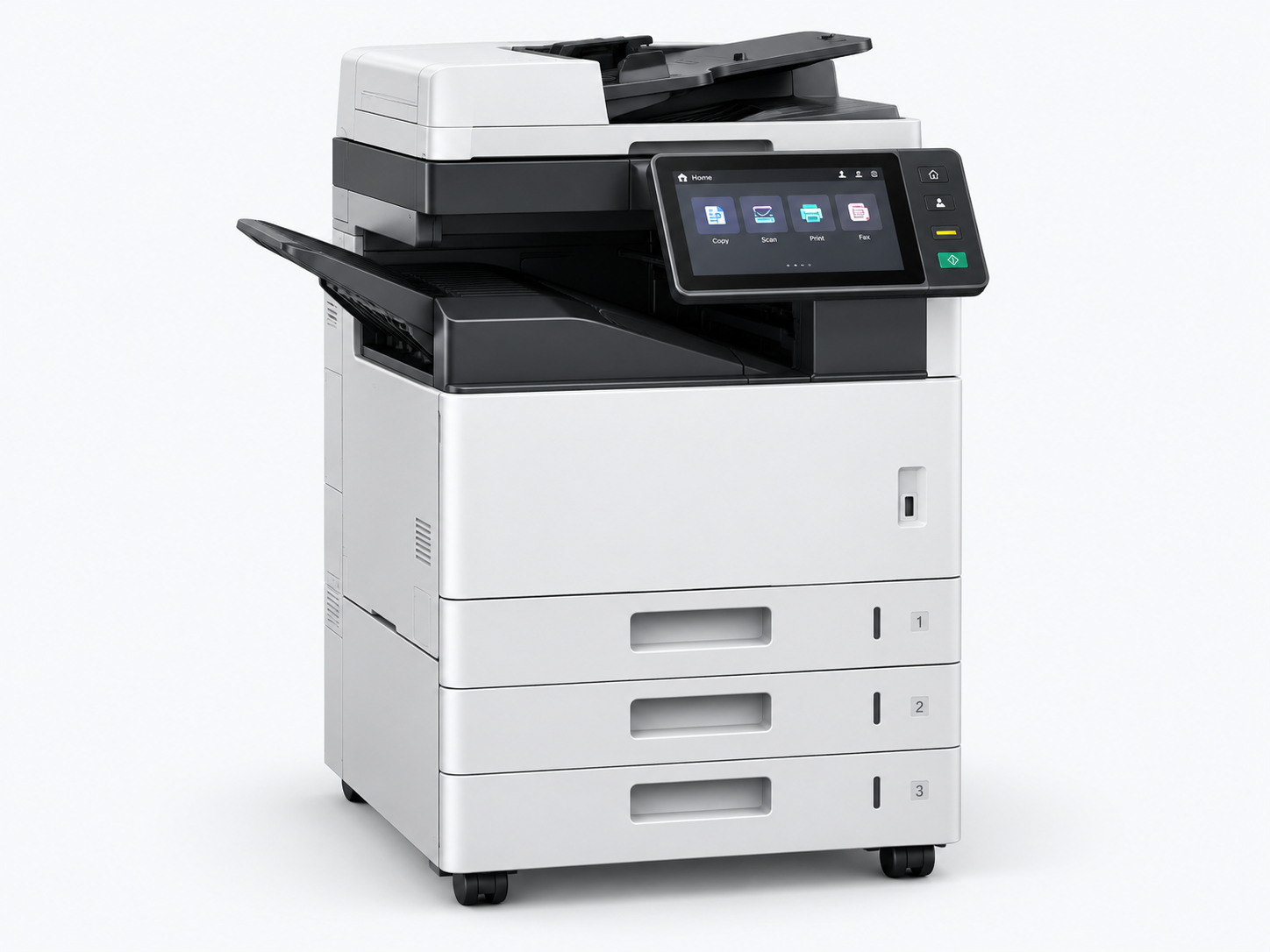
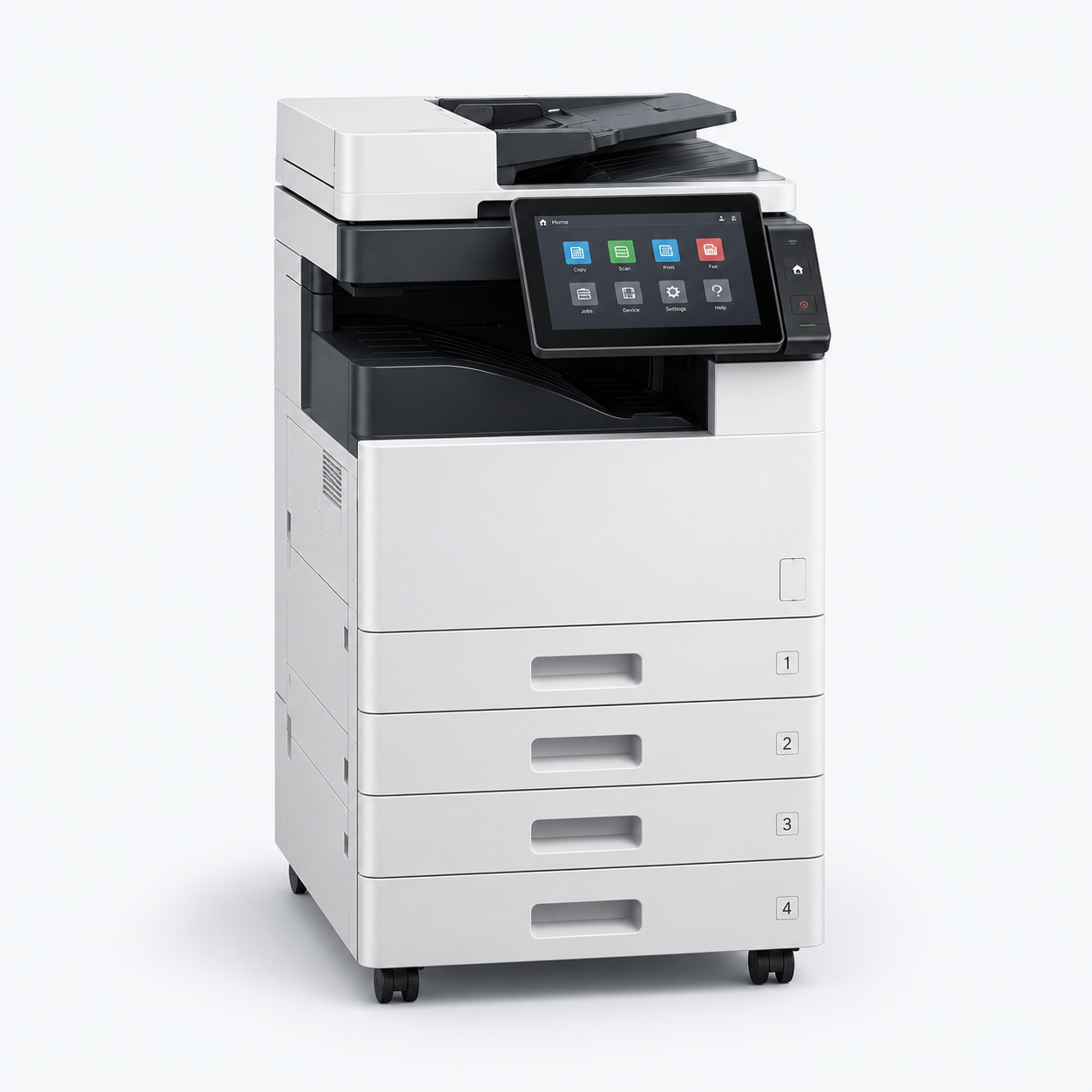
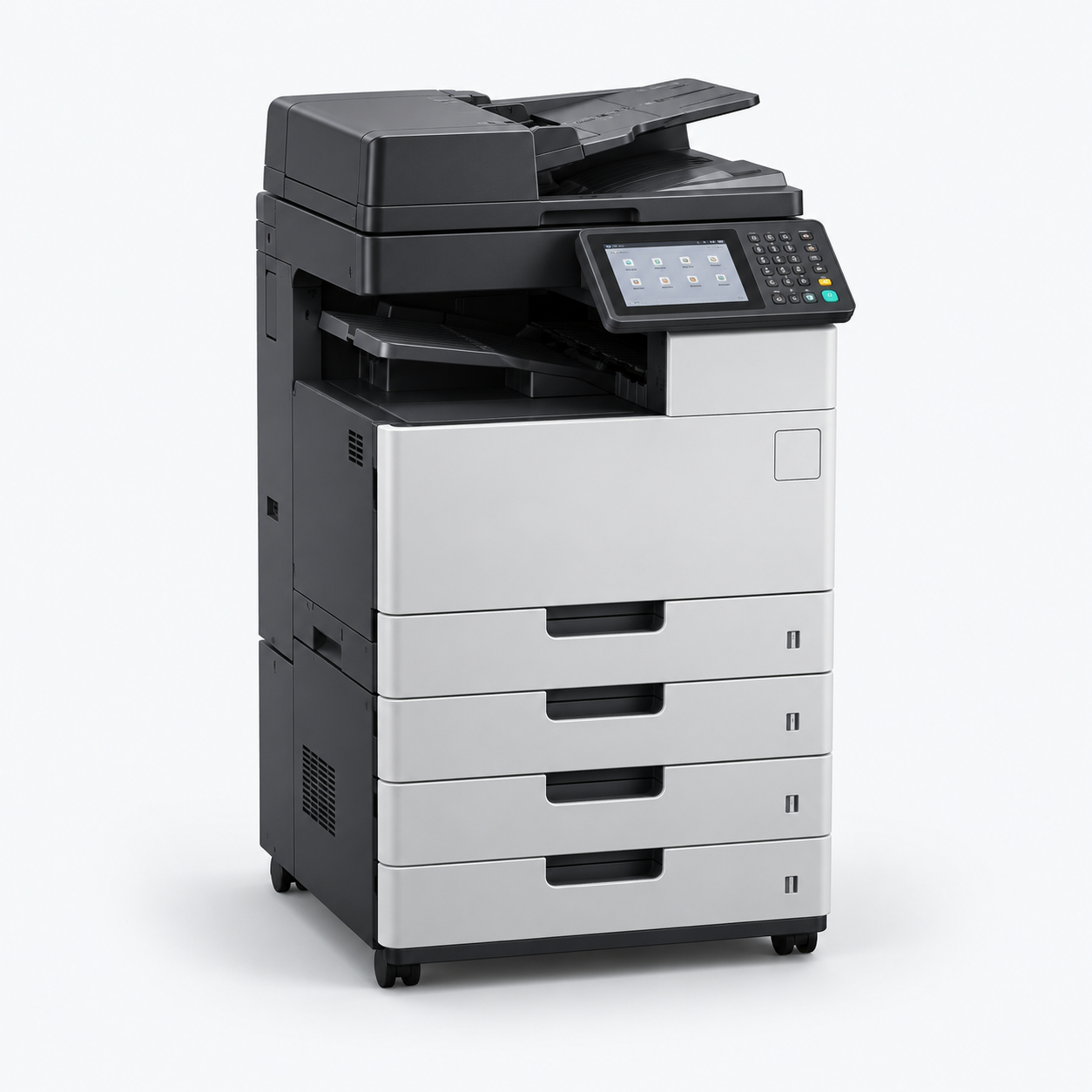
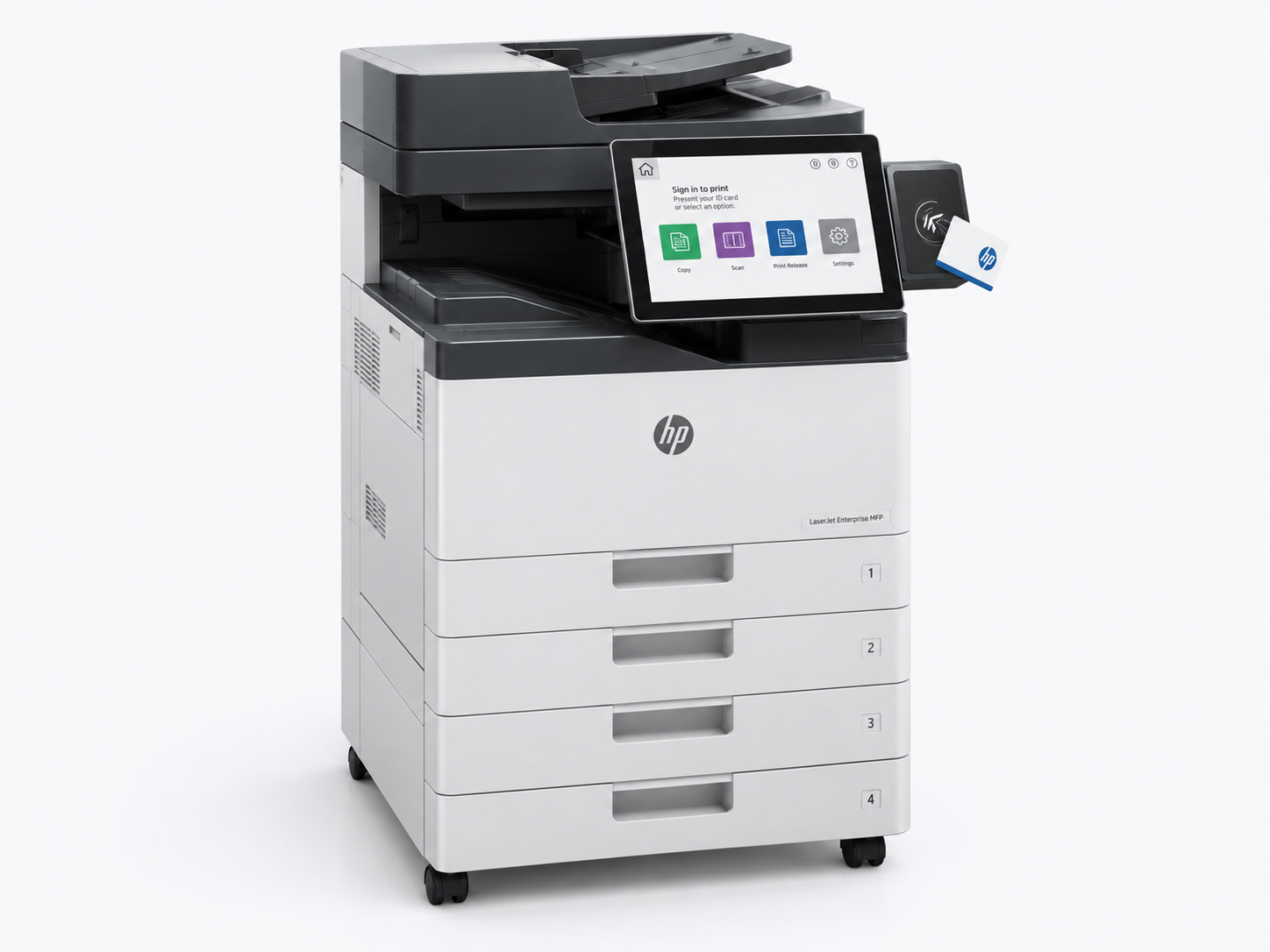
Mid-volume color MFP
A workgroup multifunction copier with color printing, fast duplex scanning, finishing options and a managed print plan should fit this environment well.
Combine equipment, service, supplies and fleet intelligence into a coordinated program that helps control costs, reduce downtime and simplify administration.
Modern multifunction devices are connected business systems. We help configure the software, access controls and scan workflows that make them more productive—and more secure.
Secure print release
Hold jobs until the authorized user releases them at a device.
Scan to business systems
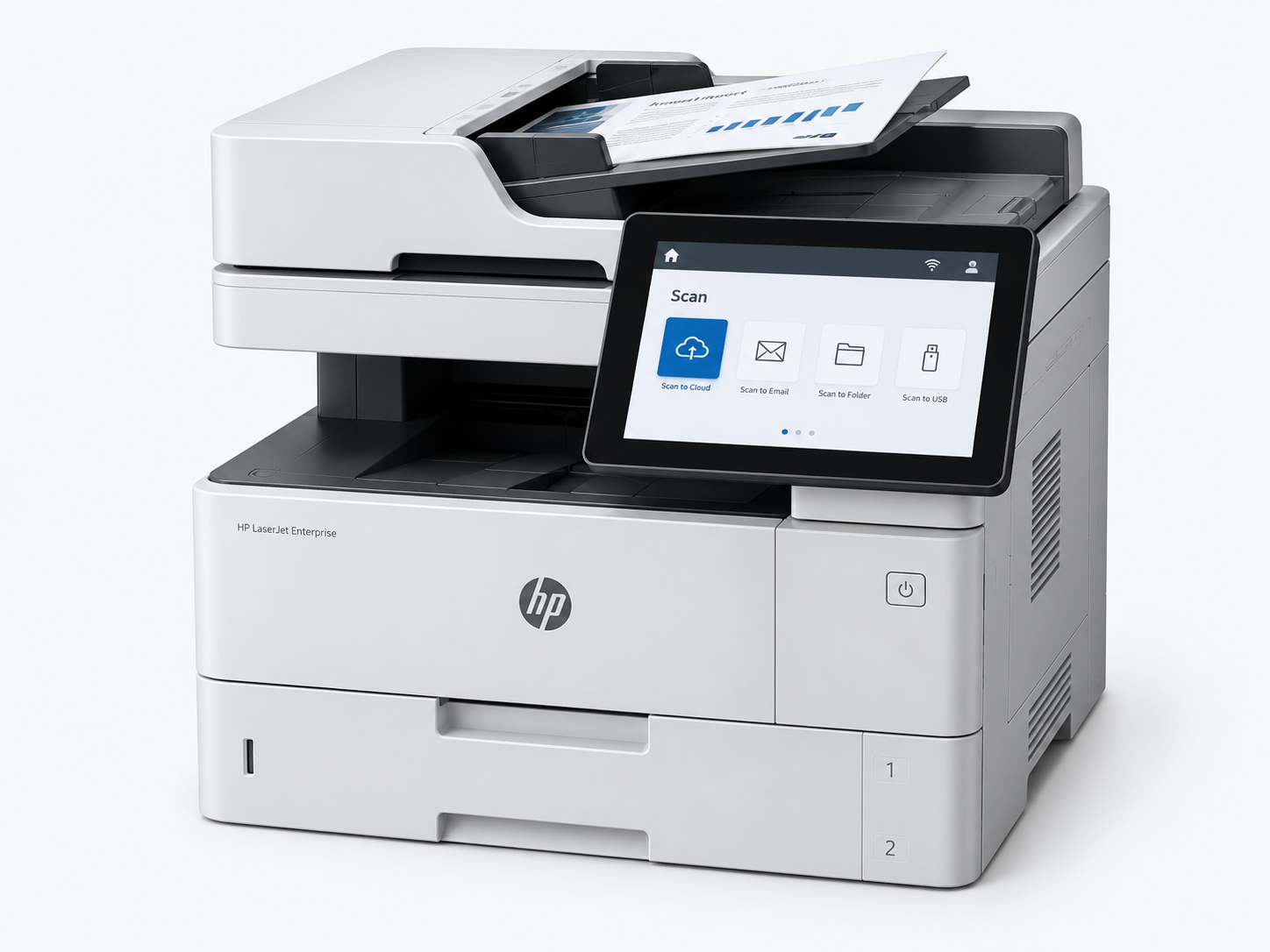
Route files into email, folders, cloud storage and line-of-business workflows.
Usage rules and reporting
Apply print policies and understand activity by user, department or device.
Device hardening
Support configuration practices that reduce exposure on network-connected devices.
One-touch invoice workflowConceptual workflow
Scan document at the MFPUser selects a preconfigured “Accounts Payable” button.
↓
OCR, classify and name the fileDocument fields are recognized and a consistent naming rule is applied.
↓
Route to the correct destinationSend to cloud storage, a shared folder, email or a business application.
✓
Fewer manual stepsConsistent capture and routing can reduce repetitive document handling.
86%
Our Approach
From print assessment to ongoing support.
Our team looks beyond the device to understand volumes, users, workflows, locations, security and service expectations.
01
Assess
Review your current devices, monthly volumes, costs, user needs and workflow challenges.
02
Design
Create a right-sized equipment and support plan, including placement and acquisition options.
03
Deploy
Coordinate delivery, configuration, network setup, user training and transition planning.
04
Optimize
Support the fleet with service, supplies, reporting and regular opportunities to improve.
Solutions by Industry
Workflows built for the way your organization operates.
Different environments have different requirements for security, volume, media, uptime and purchasing. We configure around those realities.
Corporate Offices
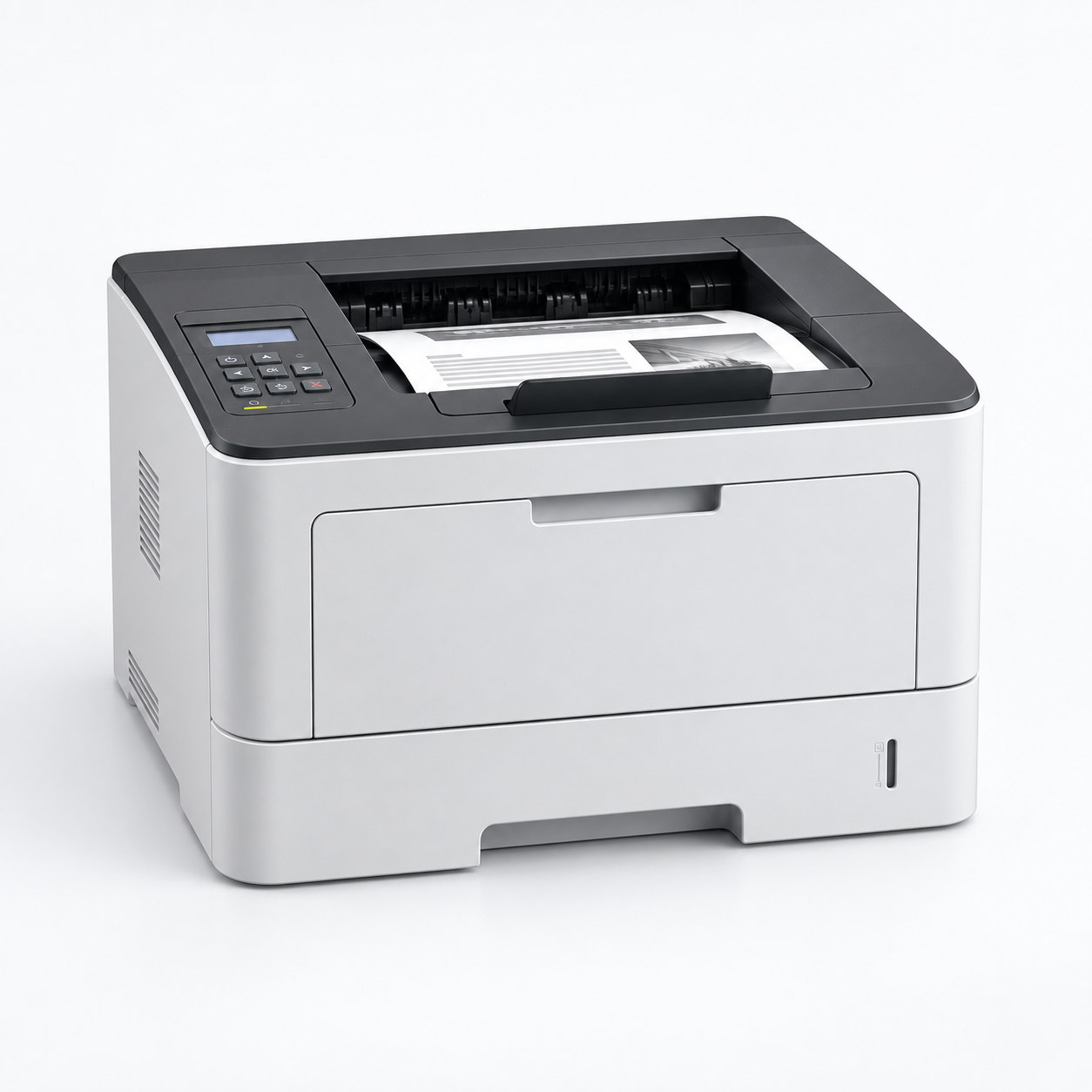
Shared MFPs, distributed printers, secure release and managed fleet programs.
Healthcare
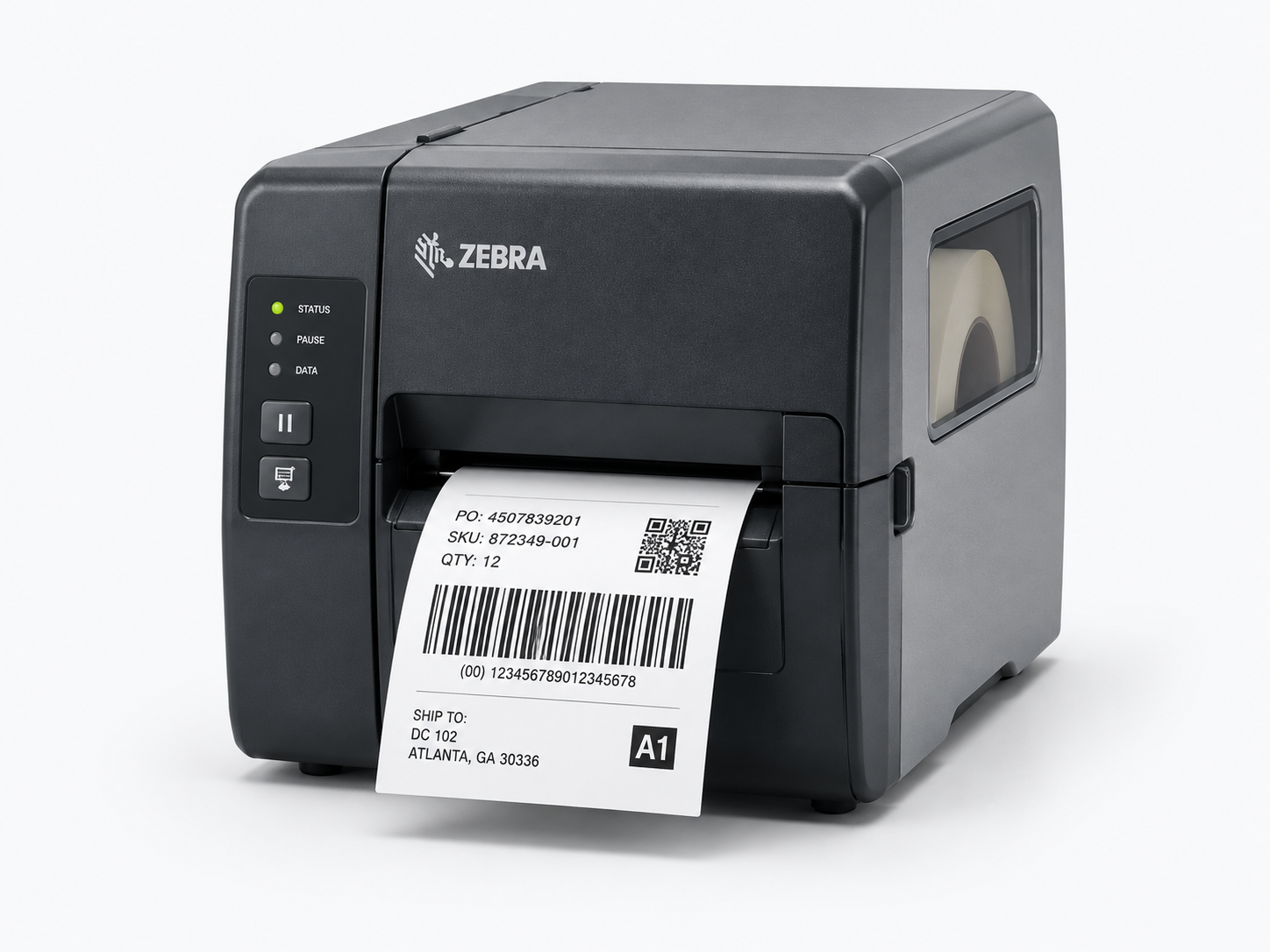
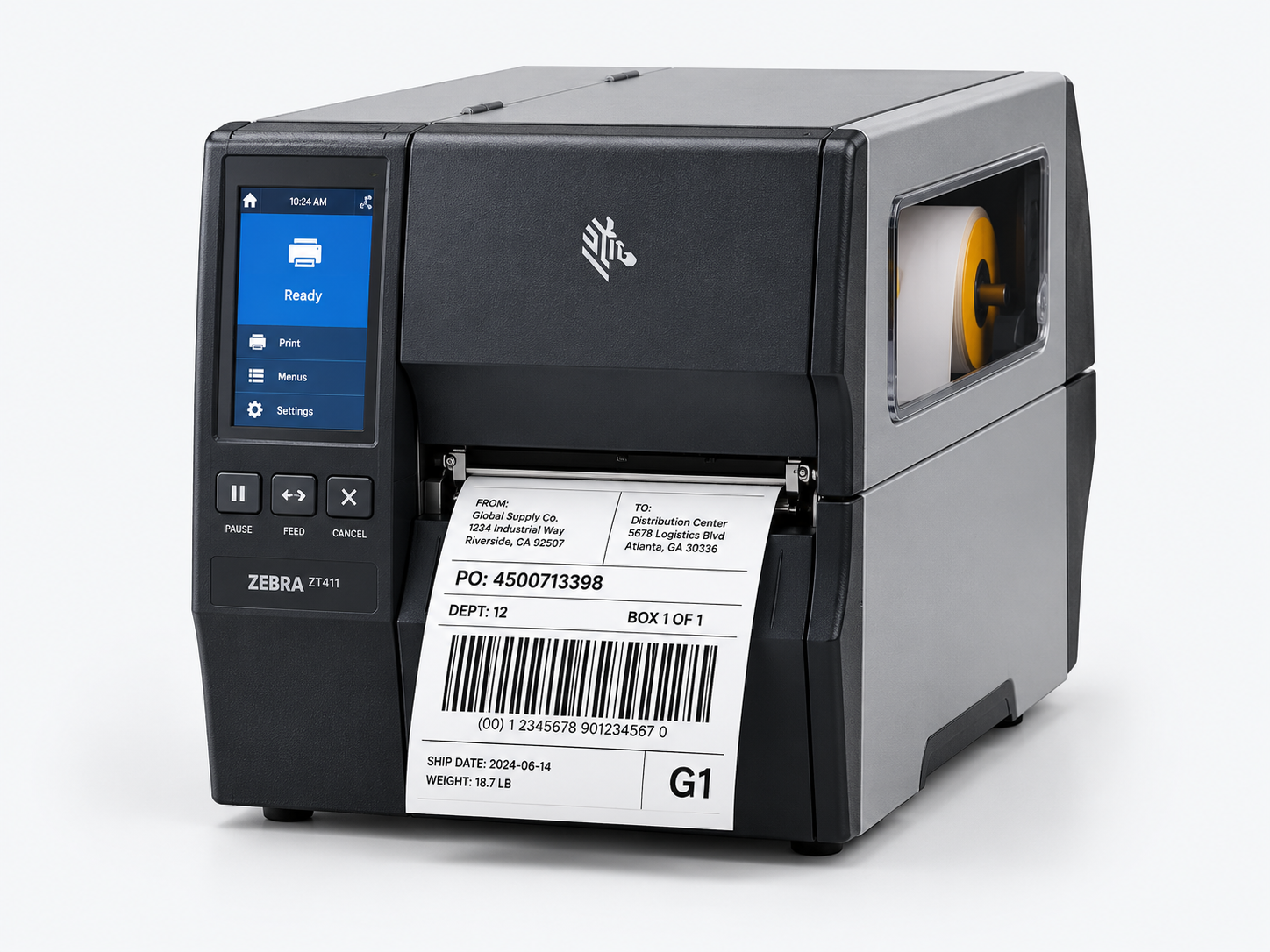
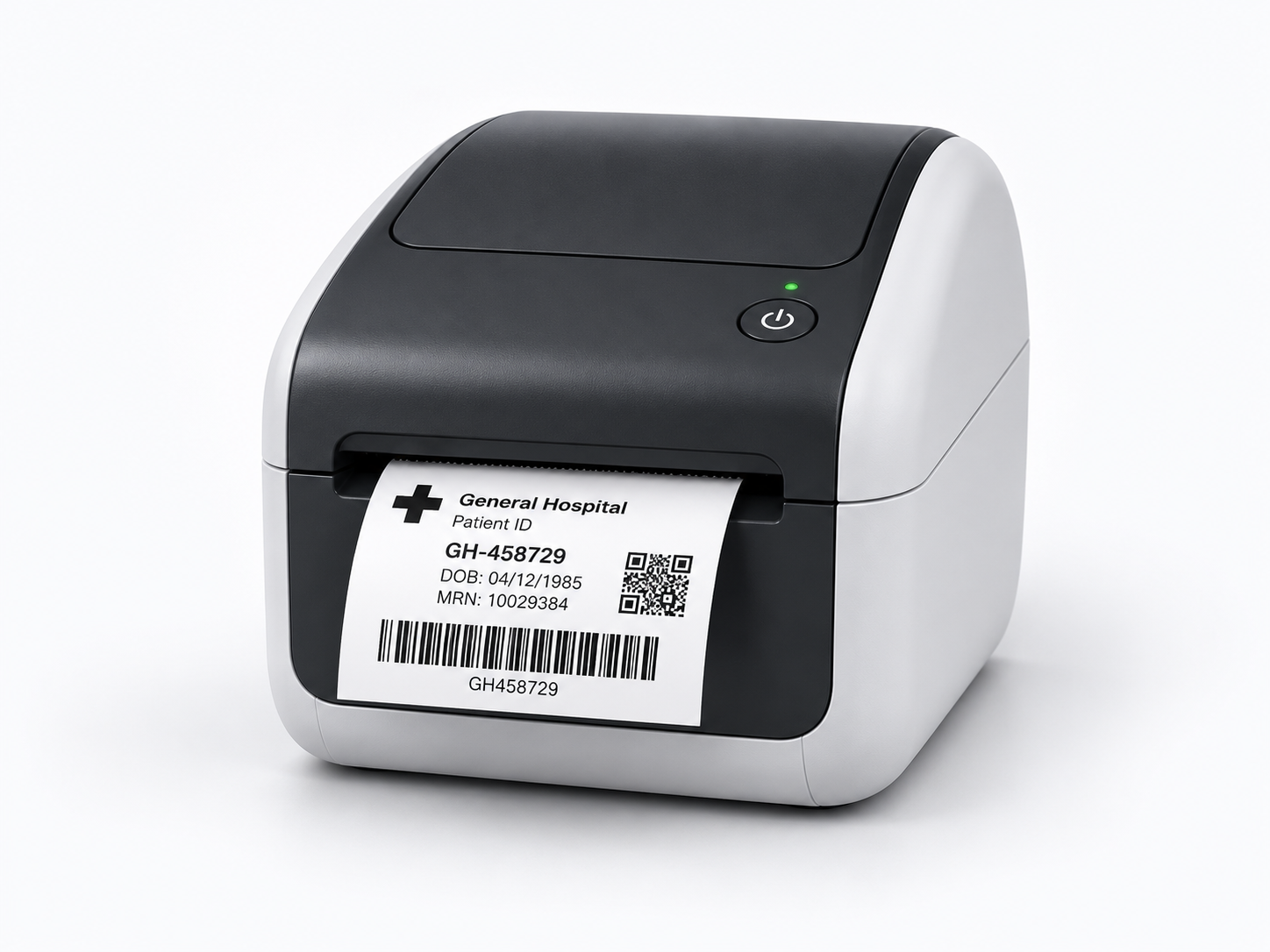
Controlled documents, label workflows and reliable devices for clinical operations.
Education
Centralized control, department reporting and scalable output across campuses.
Government
Purchasing support, secure workflows and fleet standardization for public agencies.
Architecture & Design
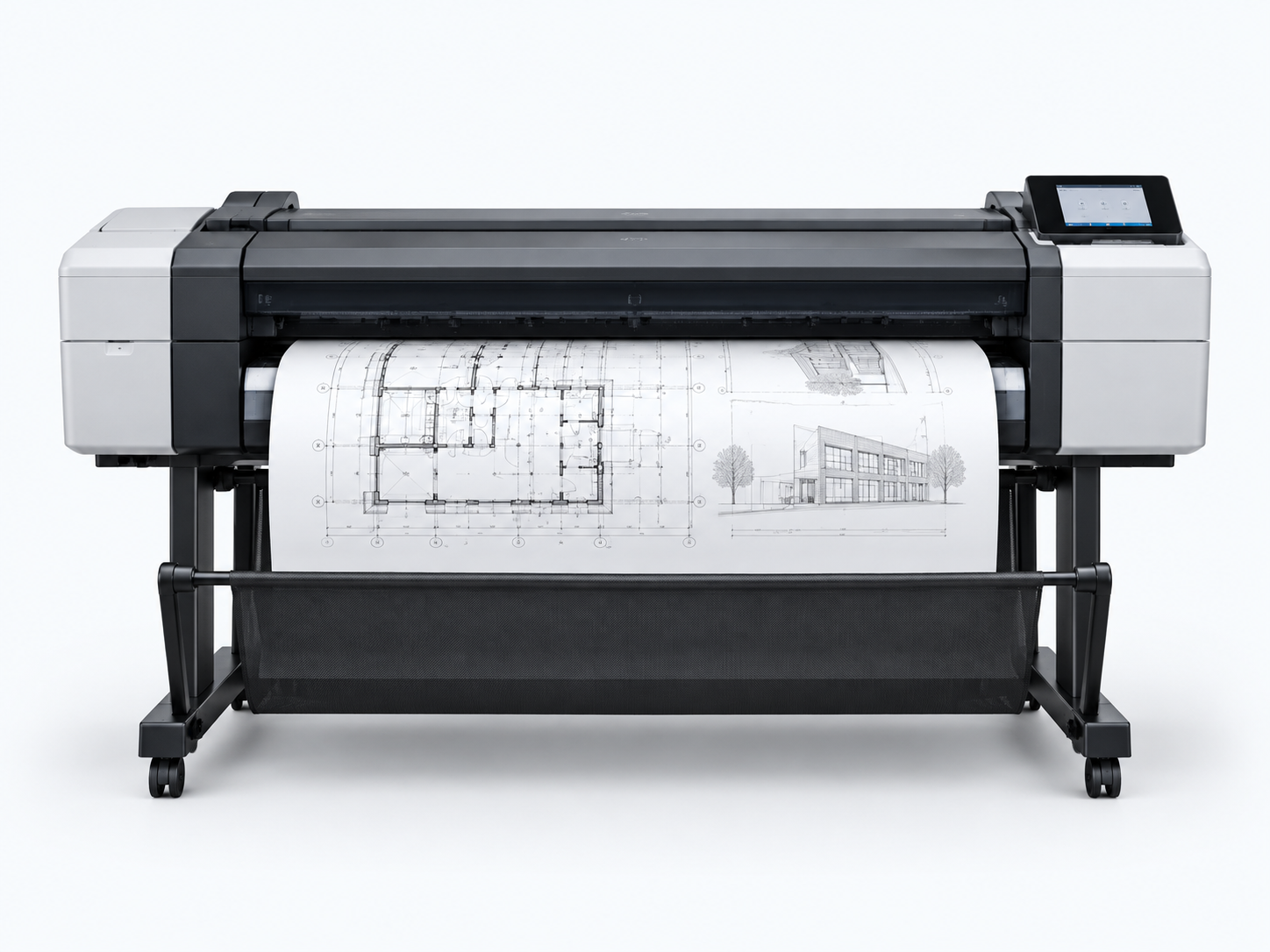
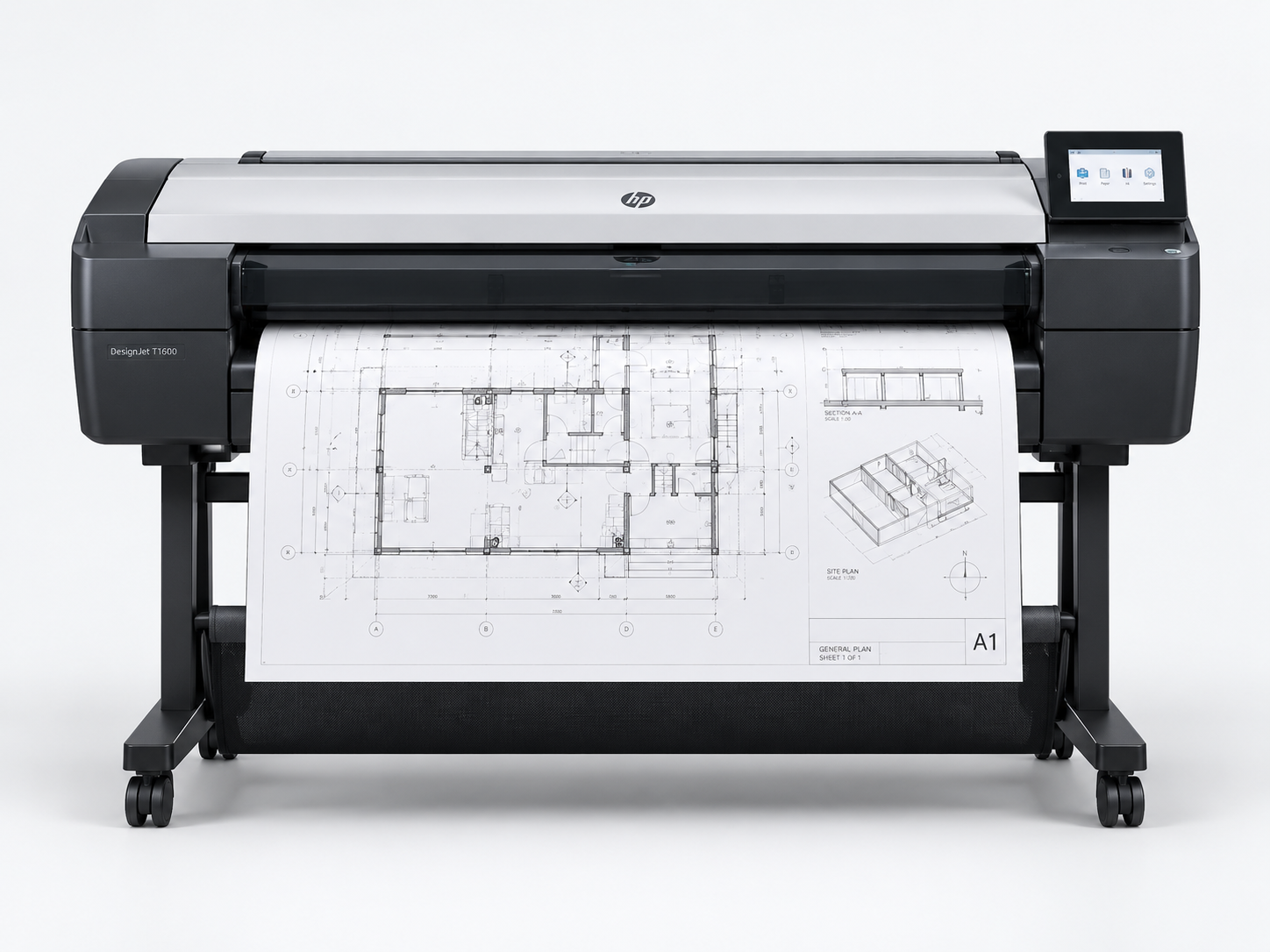
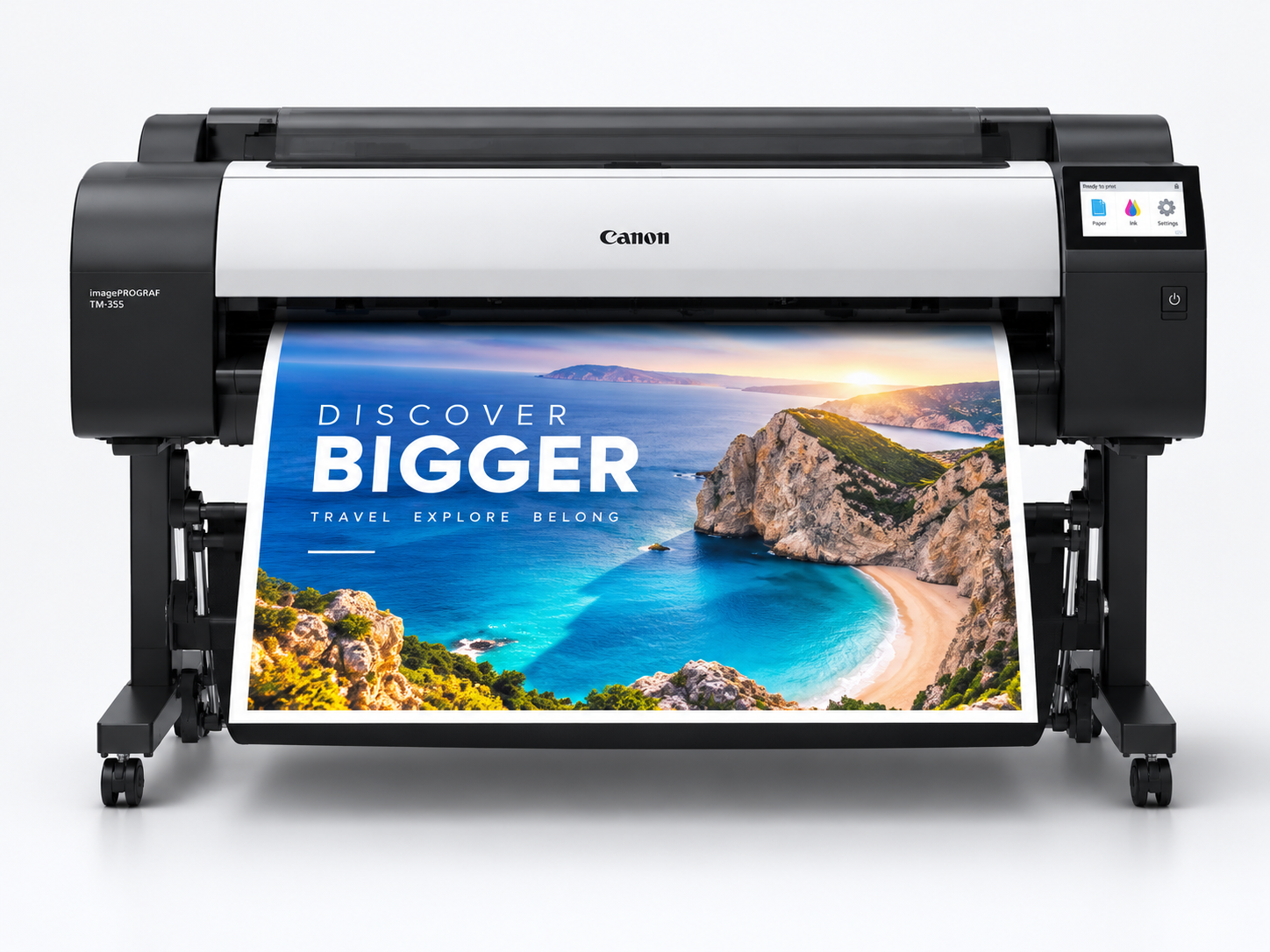
Technical wide format, scanning and presentation-quality document production.
Local expertise, backed by a complete workplace partner.
United Imaging brings copier solutions together with IT, document, furniture and workplace purchasing expertise.
35+Years serving business equipment customers
15+Years as a Toshiba partner
2Southern California showroom locations
Frequently Asked Questions
Questions before choosing a copier?
The better choice depends on cash flow, expected device life, refresh plans, accounting preferences and how you want service structured. United Imaging can model both options for your environment.
A program can combine equipment, service, toner, meter collection, reporting, fleet reviews and proactive replenishment. The exact scope is configured around your organization.
We consider monthly volume, peak demand, number of users, document types, scan requirements, paper sizes and finishing—not just the advertised pages-per-minute specification.
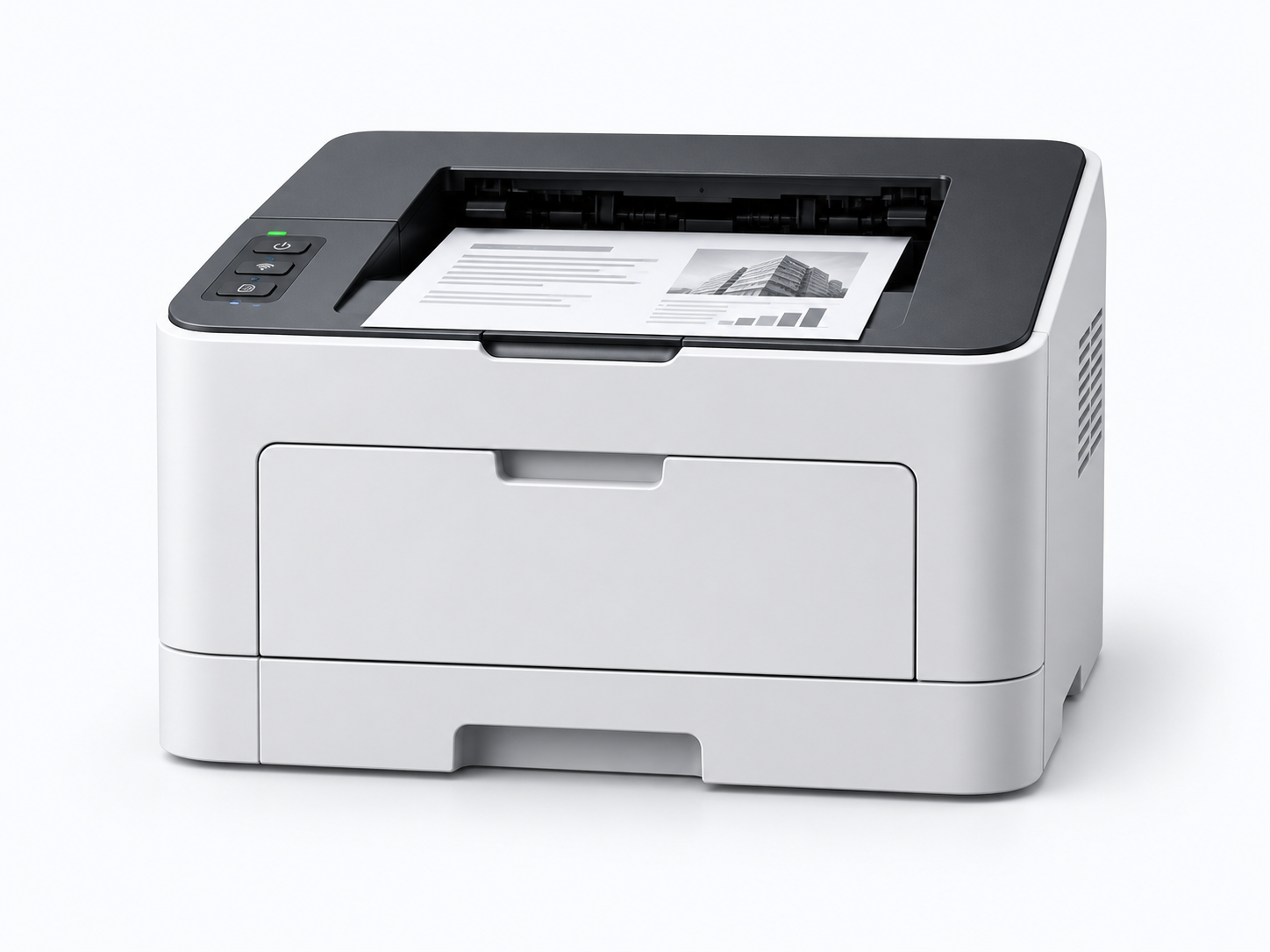
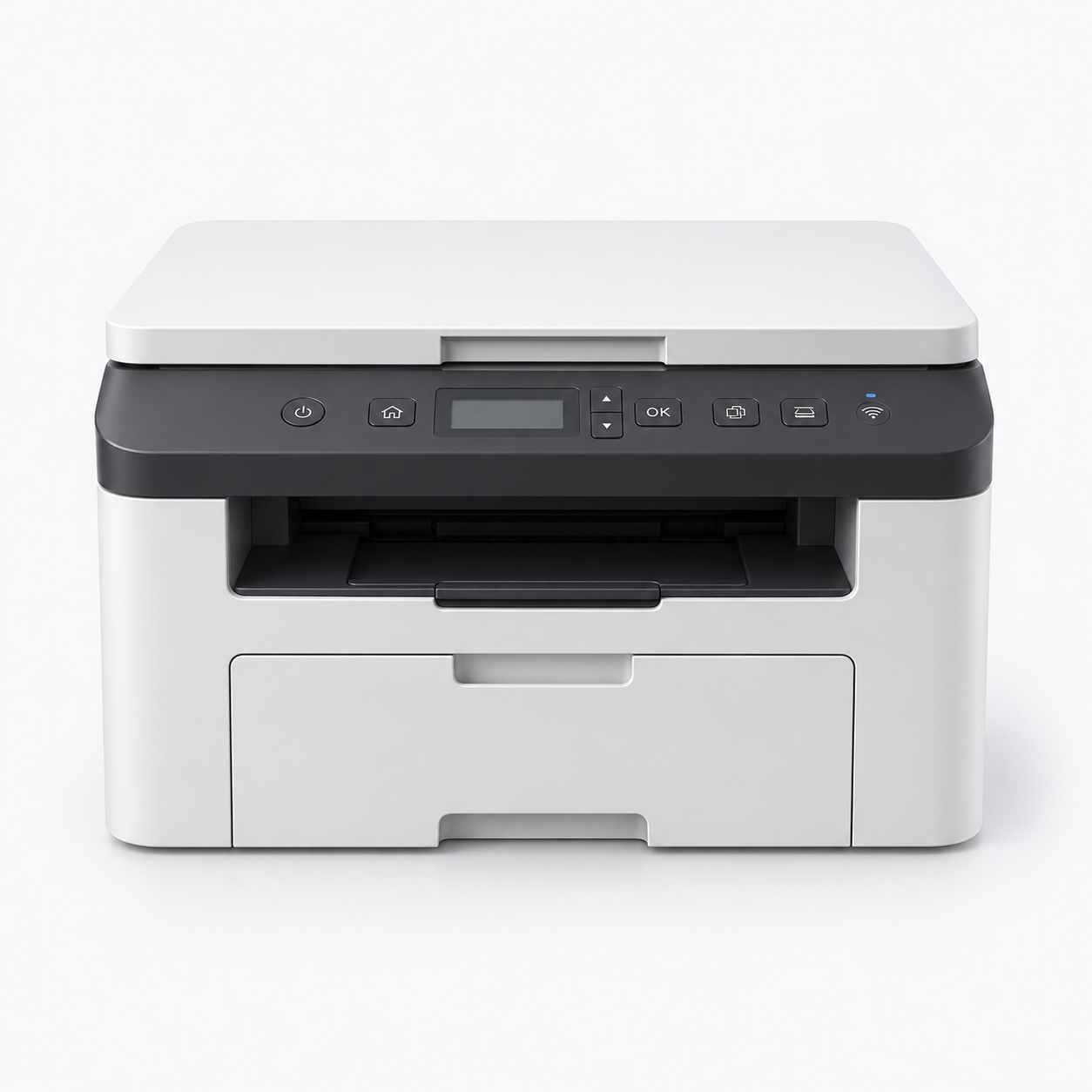
Yes. A fleet strategy can include shared copiers, desktop printers, wide-format systems and label printers across multiple departments or locations.
In many cases, current equipment can be assessed and incorporated into a phased plan. Compatibility, age, condition, cost and supportability will influence the recommendation.
Free Print Assessment
Let's build the right solution.
Tell us about your office and a copier specialist will follow up to discuss equipment, leasing, service or managed print options.
Visit United Imaging
Southern California showrooms.
See workplace solutions and connect with a local specialist.
Woodland Hills
21201 Oxnard Street Woodland Hills, CA 91367
⌖
Costa Mesa
950 South Coast Drive, Suite 150 Costa Mesa, CA 92626
⌖
Cookie Notification
We use cookies on this site to enhance your user experience. By navigating this site, you are
consenting to the use of these cookies. The information collected from you herein will be used for
the purposes of processing any transactions and certain administrative functions. For more specific
information about how United Imaging uses and discloses your information, please read our Privacy Policy.